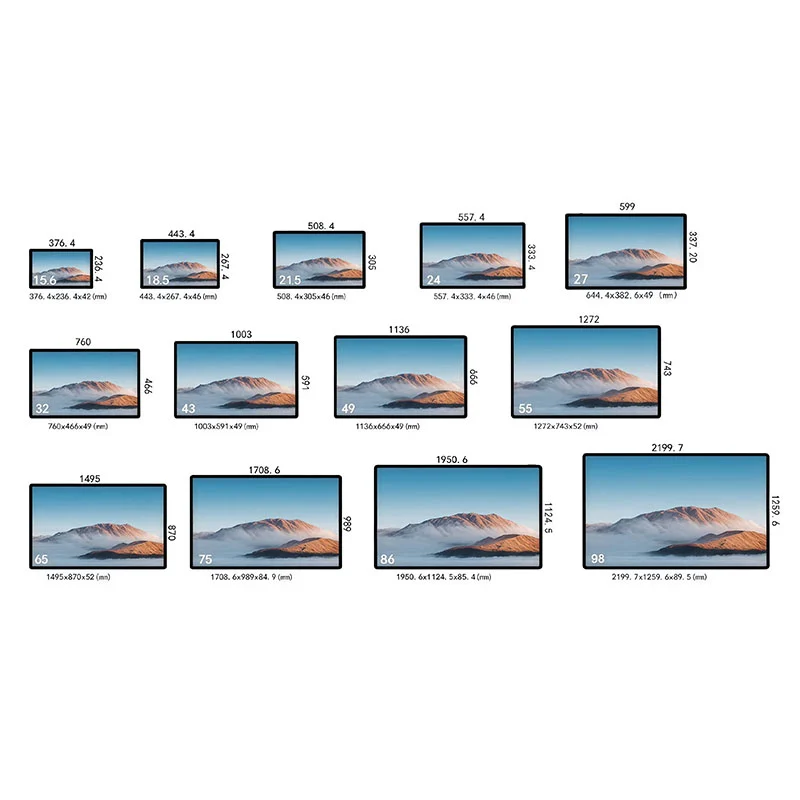
Match the 32-inch screen to the viewing position
Start with the message a visitor must read and where they will stand. A 32-inch 16:9 screen can hold a headline and supporting detail for a lobby, restaurant entrance or retail wall, but the artwork must work at the actual viewing distance and lighting. Test a draft slide from the expected standing point rather than judging only from a desk monitor.
Use the 21.5-inch Android signage option when wall space is tight or the audience stands close. Scale text and imagery for the larger canvas, and keep each slide to one job. Confirm indoor use; this product is not positioned for direct outdoor exposure, payment use or self-service transaction hardware.
Decide portrait or landscape before artwork is approved
Portrait and landscape orientation are both listed, so agree the mounting plan and content template together. A portrait layout may suit a narrow wall or waiting area; landscape may suit a reception wall or horizontal promotion. Ask the supplier to confirm enclosure, mounting method and cable exit for the chosen orientation.
Published panel details include 1920 × 1080 resolution, 16:9 aspect ratio, 1200:1 contrast and a 178° viewing angle. These help compare configurations, but they do not guarantee readability under reflections. Review fonts and photographs on the proposed screen, then approve a sample with real content and lighting. The Android signage category can help if the project needs another size.
Choose how content will be published and supported
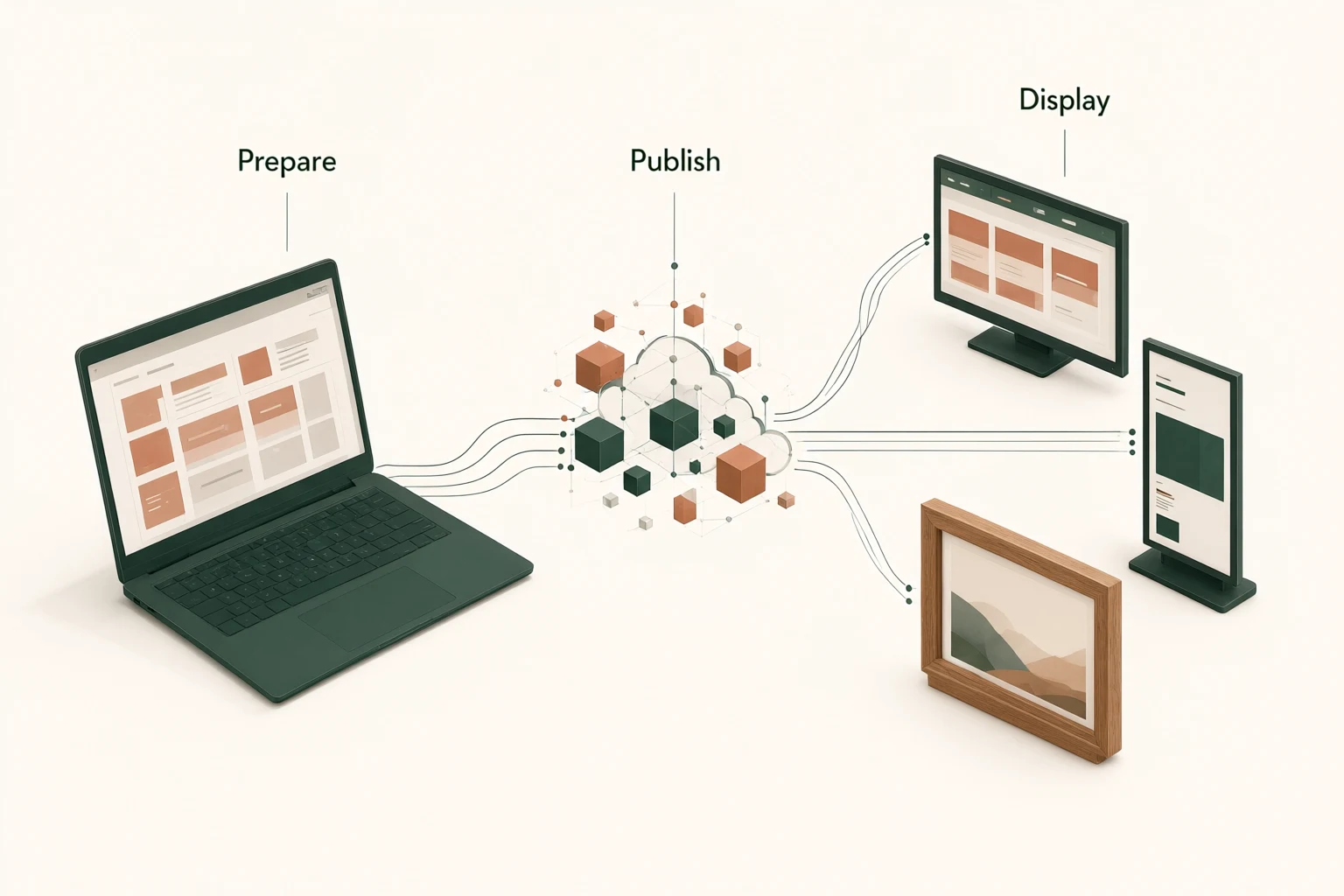
The display runs on Android with a built-in CMS, and the product information lists a free CMS, SDK and kiosk mode. For one venue, ask for a demonstration of uploading, scheduling and playing the content you plan to show. For multiple sites, document who creates each message, who approves it, which screens receive it and what local staff may change.
Confirm account setup, user roles, software charges and support responsibility in the offer. A CMS feature does not prove that your existing platform or device-management system will work. If you intend to use your own software, supply its Android requirements and test installation, startup, playback, network recovery and content updates on the offered unit. Record whether configuration is included or only hardware.
Plan mounting, power and connector access
Send wall or fixture dimensions, a site photograph and viewing height before accessories are finalized. Request the mechanical drawing, fixing pattern, weight information and clearance requirements for the selected unit. Do not manufacture a decorative wall panel until the display footprint and service access are approved.
Listed connections include HDMI, TF, USB, DC and audio output, with built-in speakers. Confirm the function of each port for the offered configuration and whether power supply, cables and mounting parts are included. Leave enough space to reach connectors after installation. Test audio at the venue if sound is part of the message, and do not assume every port supports every peripheral without checking.
Separate customization requests from standard selections
Alihh offers OEM and ODM support for appearance and hardware requirements, subject to project confirmation. Put logo placement, enclosure finish, packaging, interface expectations and software requests into the RFQ as separate line items. Ask which changes affect tooling, sample approval, minimum order and delivery planning rather than treating customization as a free variation.
Keep project-specific items explicit. A kiosk-mode request should not be read as an interactive kiosk enclosure or payment hardware. Do not infer certification coverage for a customized version from a general certificate list; ask for documents that apply to the exact offered model and destination. Review the product range and OEM and ODM service page, then request a revised configuration.
Build a quotation and acceptance checklist
Contact Alihh with the 32-inch advertising display requirement and include quantity, destination, indoor installation photos, orientation, viewing distance, content sample, CMS or own-software workflow, port list, mounting constraints, and any logo or packaging request. Ask for the offered configuration, included accessories, software terms, warranty terms, certificate scope for the destination and commercial validity in writing.
Before rollout, approve a sample with representative media. Check boot behavior, playback, audio, orientation, port access and content-update process against the agreed list. Record the approved sample configuration with the purchase order. The product information lists a two-year warranty and lifetime maintenance; ask for written service terms, exclusions and the return process for your order.
Frequently asked questions
Is the 32-inch Android advertising display suitable for hotel or restaurant information?
It is an indoor advertising display for uses such as hotels, restaurants, retail and similar spaces. Confirm the viewing distance, artwork, CMS workflow and mounting location before approving a unit.
Can we use our own content software instead of the built-in CMS?
The product information supports a built-in CMS and also mentions matching buyer software. Provide your Android requirements and test installation, playback, network recovery and updates on the offered configuration before ordering.
What should we confirm about ports and mounting?
Ask for the port functions, included cables and accessories, mechanical drawing, fixing pattern and clearance instructions. Confirm portrait or landscape mounting and service access before wall work begins.
What inputs make the quotation and sample approval useful?
Send quantity, destination, installation photos, orientation, content samples, software workflow, port needs, mounting constraints and customization requests. Ask for the offered configuration, commercial terms and acceptance checks in writing.
Product references