Where this 21.5-inch indoor display fits
This display belongs in indoor areas where the audience is close enough to read a focused message: a product promotion, reception notice, exhibition caption or short service update. The 21.5-inch format can suit a confined area, but it is not a substitute for a larger room display or video wall. Compare viewing distance and text volume before fixing the size.
Do not treat it as an outdoor, payment or interactive kiosk product. The source description is for indoor signage; touch, payment hardware, weather protection and direct-sunlight performance are not established for this item. If the location needs interaction or an integrated computer, compare a different product line. If a larger indoor message field is needed, review the 32-inch Android signage display and the Android signage category.
Set the viewing and orientation plan first
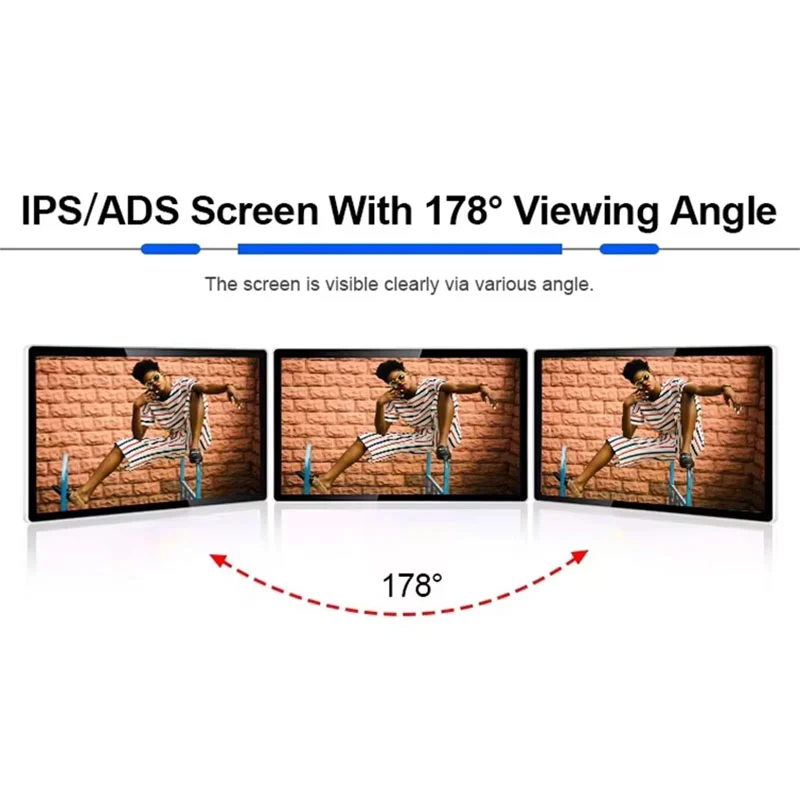
Prepare artwork for a 16:9 landscape canvas or a 9:16 portrait canvas, subject to the confirmed orientation and software canvas, and review a real slide at the intended location. The published panel is 1920 × 1080 with a 1200:1 contrast ratio and a 178° viewing angle. Check reflections, small type, colour contrast and sightlines in the actual room.
Decide whether the installation will run in landscape or portrait, then confirm that the CMS, mounting plan and artwork use the same orientation. Test a dense text slide and a simple promotion. If the message cannot be read from the expected position, adjust content or reconsider the display size rather than relying on brightness assumptions.
Evaluate Android, CMS and app integration against one workflow
The product listing describes Android operation, a built-in CMS, SDK availability and kiosk mode. Ask which Android version, CMS package and SDK version apply to the offered unit. Clarify account handling, content scheduling, network requirements and the software support route. The quote should separate hardware, software licence or hosting terms and any integration work.
If staff will use their own application, provide a test build, target Android version, orientation, storage needs and interface or peripheral requirements. Request a compatibility review on the proposed configuration instead of assuming an Android app will run unchanged. Confirm whether kiosk mode belongs to the factory software or needs application-level setup, and what happens after a reboot or network interruption.
Confirm ports, mounting and service access
The source list includes HDMI, TF, USB, DC, audio output and built-in speakers. Request a port diagram and supplied cable or adapter list. A named port does not prove whether it is an input or output for your equipment; confirm that before ordering cables or designing the installation.
Send wall or fixture dimensions, installation height, surface material and a photo of the location. Ask for the mechanical drawing, mounting pattern, unit dimensions, weight and clearance for power, cables and service. Audio may suit a short product clip but disrupt a quiet reception area. State whether you need the built-in speakers or audio output, and test the chosen route with intended content.
Agree acceptance checks before volume rollout
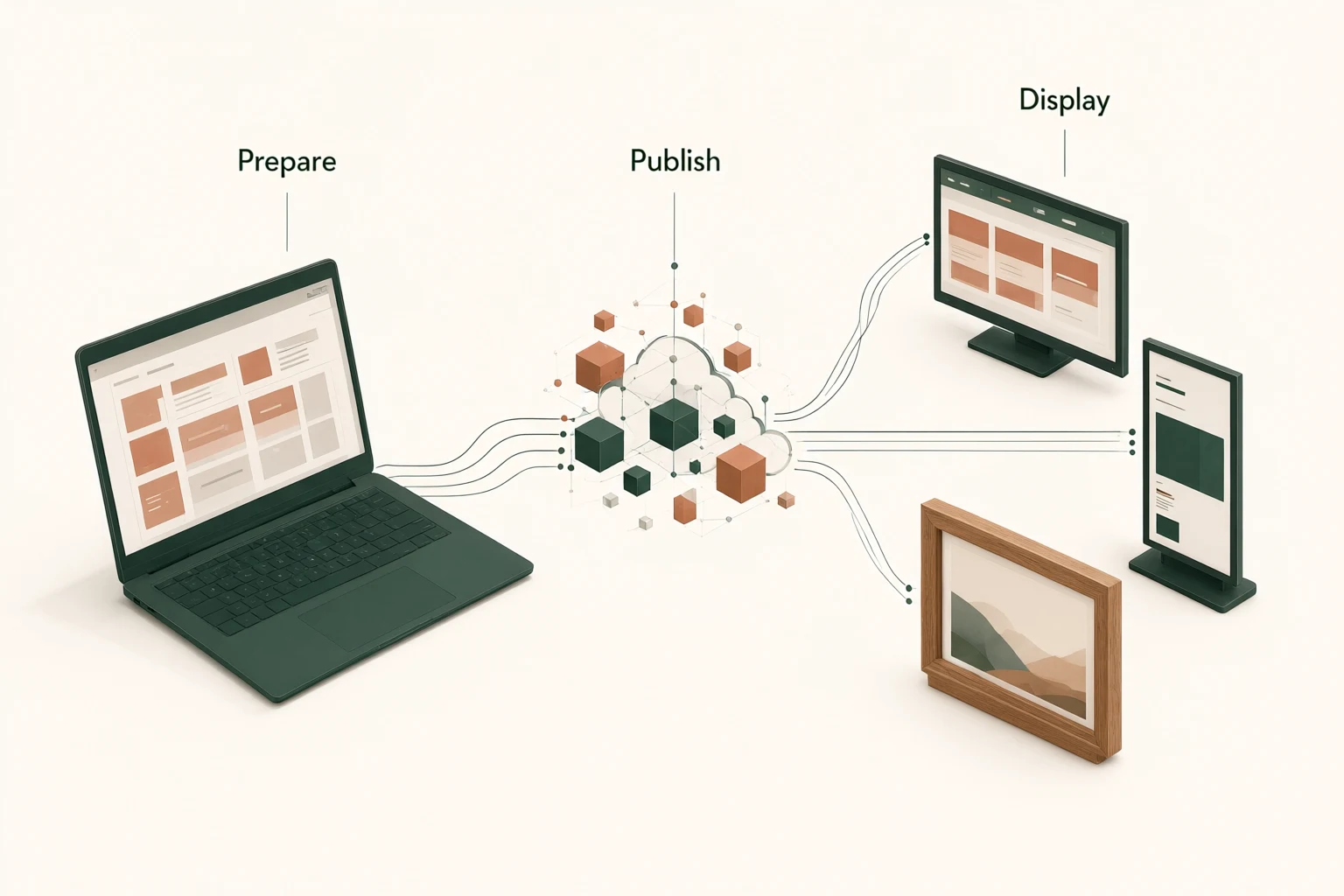
A sample review should follow the content workflow you will use after installation. Load representative media, set the intended orientation, schedule a change and confirm that the published item appears on screen. Reboot the unit, restore network access and check that content and settings return as expected. Record what passes or fails against a written checklist.
Include visual checks for dead pixels, uniformity, visible damage and readability from the planned viewing position. Confirm each required port with the actual external device, not only a specification sheet. For multi-site projects, keep the approved sample configuration as the reference for software version, settings, accessories, packaging and content template. Agree acceptance criteria before the purchase order so both parties assess the same deliverables.
Send a quotation package that can be priced
Provide quantity, delivery destination, indoor installation location, orientation, mounting details and a sample of intended content. Name the CMS or application you plan to use and identify custom Android requirements. List the ports and audio functions your project needs, along with the devices that will connect.
State whether you need OEM or ODM work, such as logo, enclosure colour, packaging or software configuration, and ask which items are feasible. Include market documentation requests and the warranty or maintenance terms you need confirmed. Use the OEM/ODM request path, then contact Alihh with the RFQ details. A clear input pack lets the quotation distinguish the display, accessories, software scope, customization and acceptance work without assuming unspecified requirements.
Frequently asked questions
Is this 21.5-inch Android signage suitable for outdoor use?
The product description is for indoor signage. Do not assume weather resistance, direct-sunlight readability or outdoor protection for this configuration. If the installation is exposed to weather or strong sun, ask Alihh to review a different configuration and provide the relevant protection and performance details.
Can we use our own CMS or Android application?
The product listing supports matching buyers' own software and lists an SDK. Send the app package, target Android version, orientation, network and peripheral requirements for compatibility review. SDK availability does not confirm that every app, service or peripheral will work, so test on the offered configuration.
Does this model include touch or a built-in Windows PC?
This is an Android digital signage display with a built-in CMS from the listed description. Touch and Windows PC operation are not established for this SKU. If the project needs interactive input or a Windows-based integrated computer, evaluate a different product line and include the operating system, touch function and application test plan in the enquiry.
What information should be in the first RFQ?
Include quantity, destination, indoor location, orientation, mounting surface, content sample, chosen CMS or app, required ports, audio needs, customization requests, market documentation needs and acceptance criteria. Ask the quotation to separate hardware, mounting accessories, software terms, customization and service scope so offers can be compared.
Product references